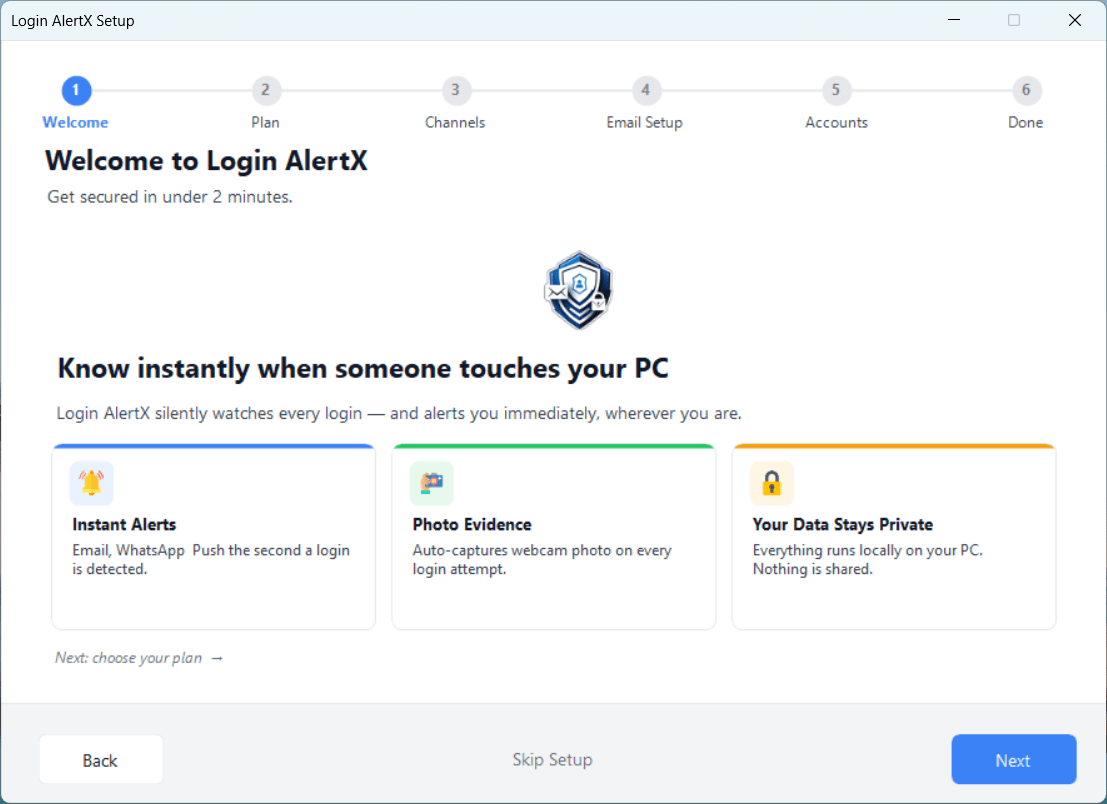
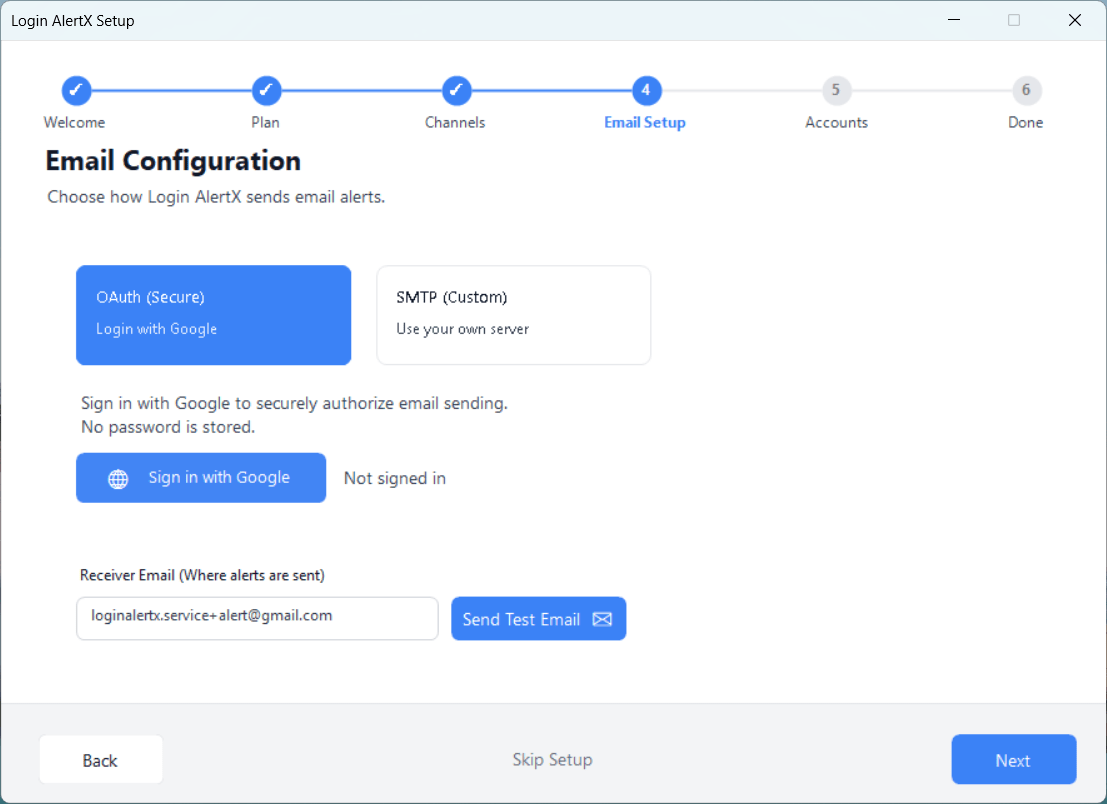
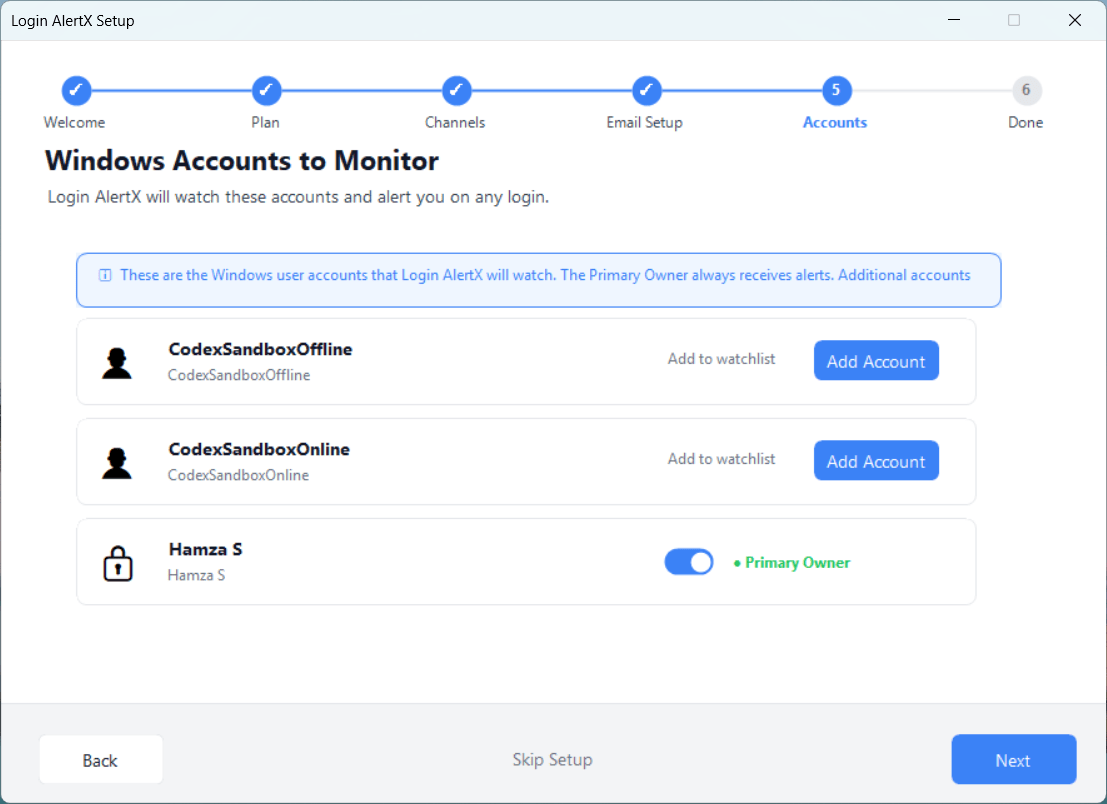
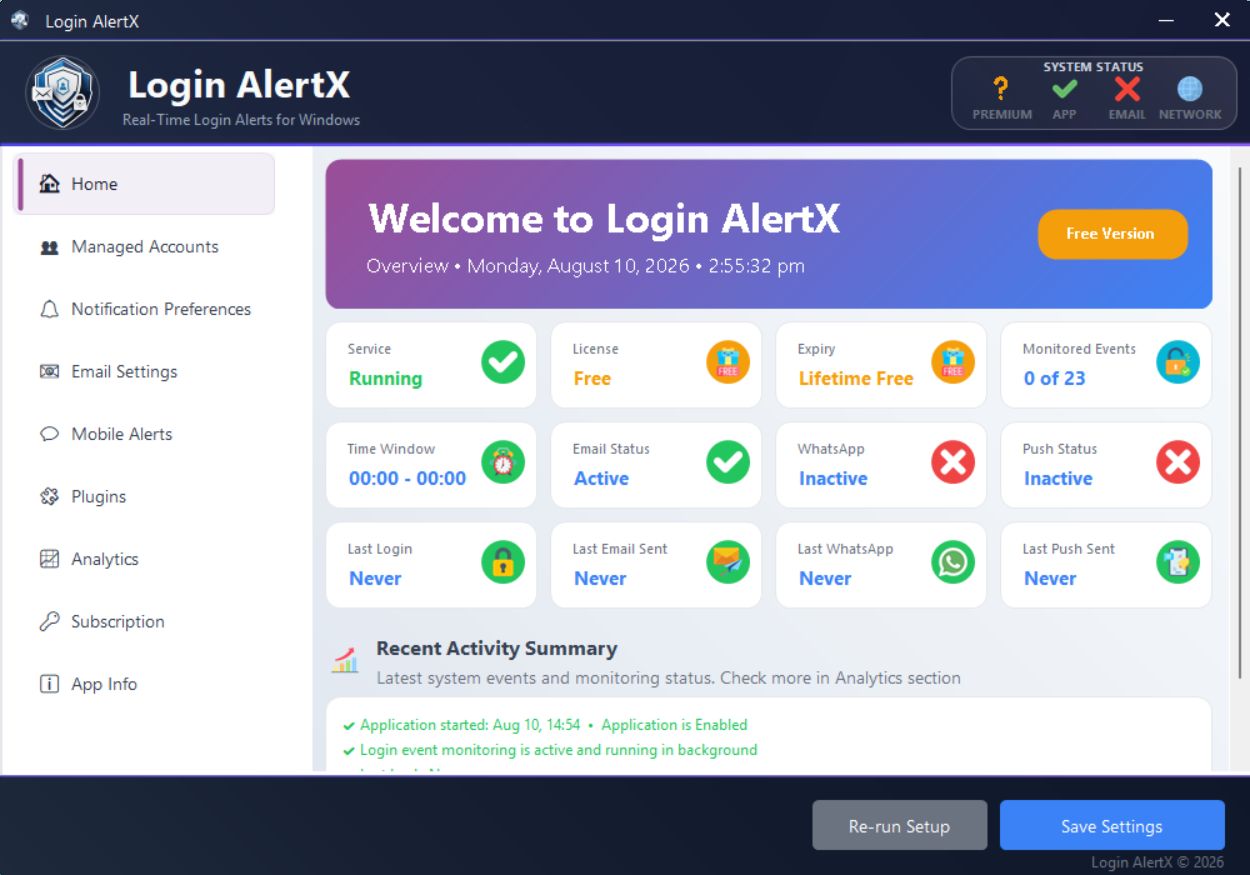
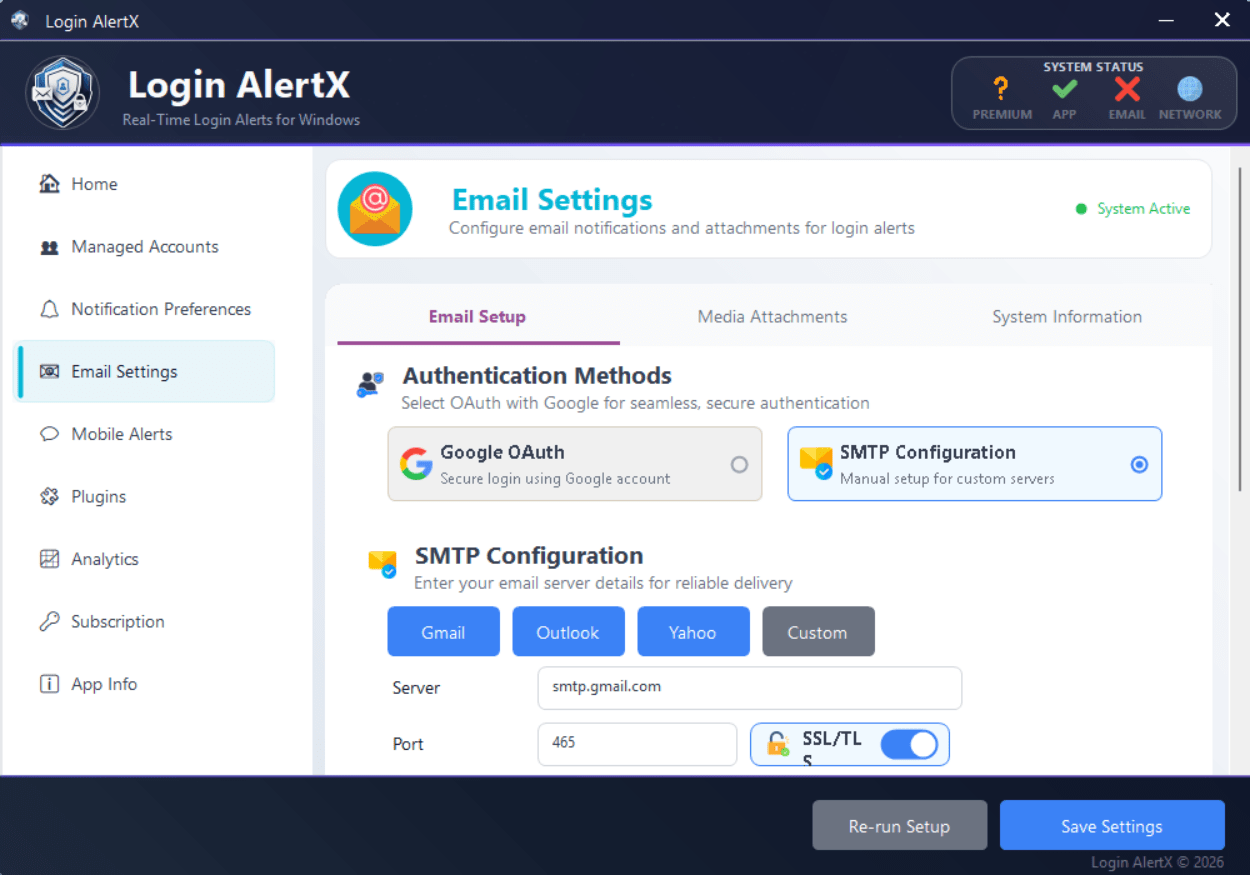
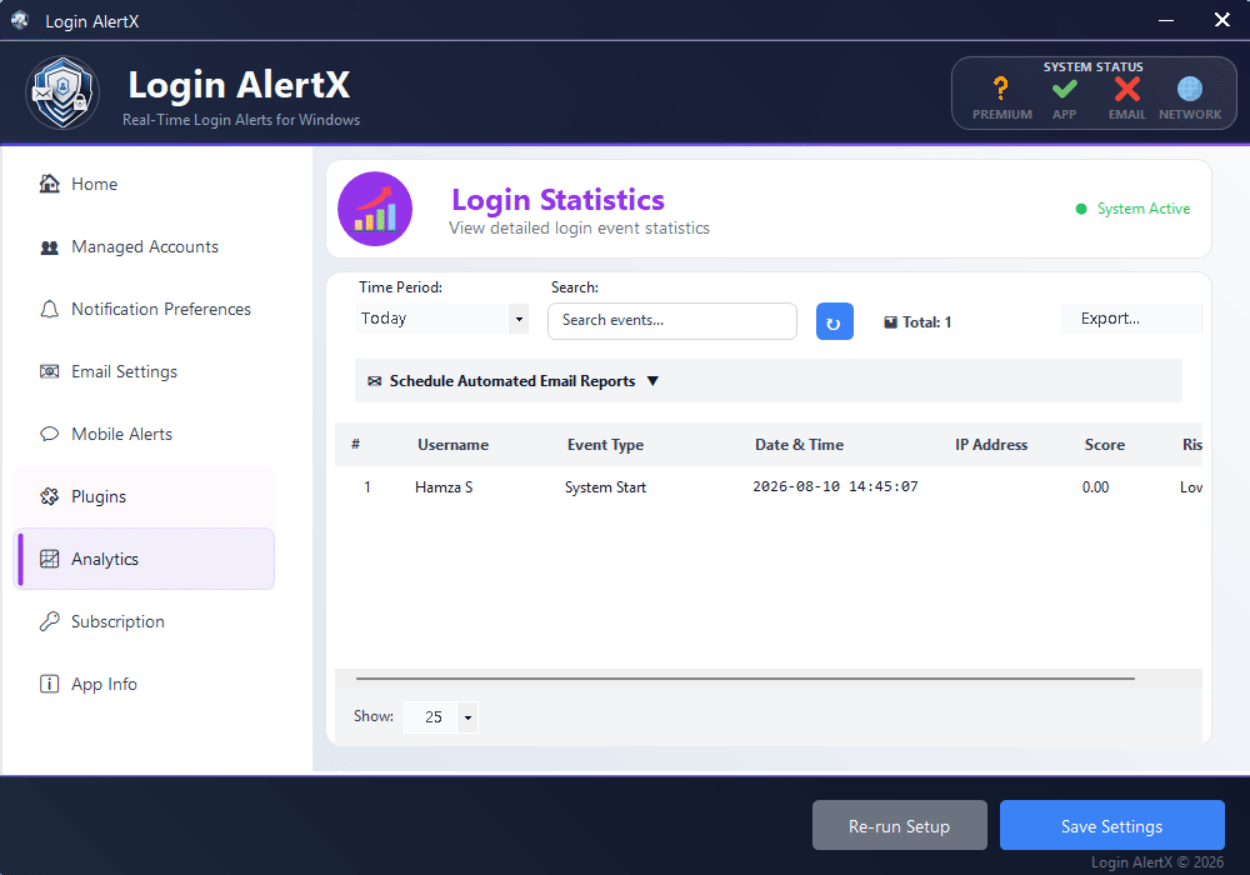
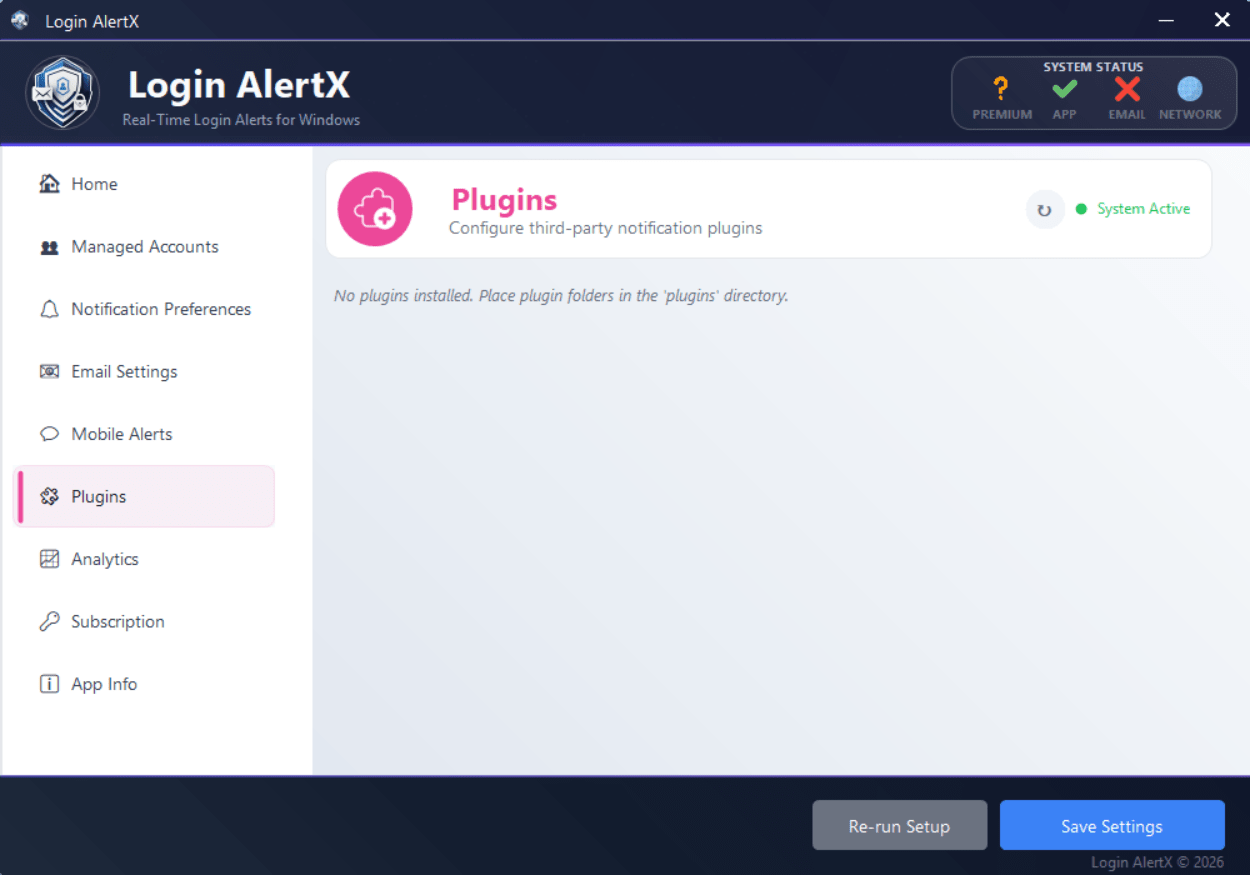
Login AlertX is a lightweight security utility that runs silently as a background service, monitoring your PC for unauthorized access. It alerts you the moment any of its tracked security events trigger. When an intrusion happens, the software can automatically capture a webcam snapshot and record a brief ambient audio clip, giving you immediate context about who is at your desk.
If you frequently leave your laptop in shared workspaces or manage computers in high-traffic environments, this level of logging is essential. The tool stays out of your way until someone attempts a login, at which point it instantly dispatches an alert.
Enterprise networks usually rely on complex auditing suites for this kind of tracking. Login AlertX distills that deep system awareness into an accessible dashboard built for remote workers, IT professionals, and privacy-conscious users.
Comprehensive event monitoring and AI risk detection
The software actively monitors a wide range of security events across your system. It logs screen unlocks, brute-force password attempts, unexpected power states, and remote desktop (RDP) connections. When an event fires, the application grabs a webcam photo and records a short audio clip so you can quickly identify the person at your keyboard.
An AI-powered anomaly detection engine analyzes these logs to prevent alert fatigue. Instead of dumping raw data into your inbox, it assigns a color-coded Risk Score to unusual behavior patterns, helping you quickly separate legitimate threats from routine daily logins.Flexible notifications and privacy-first design
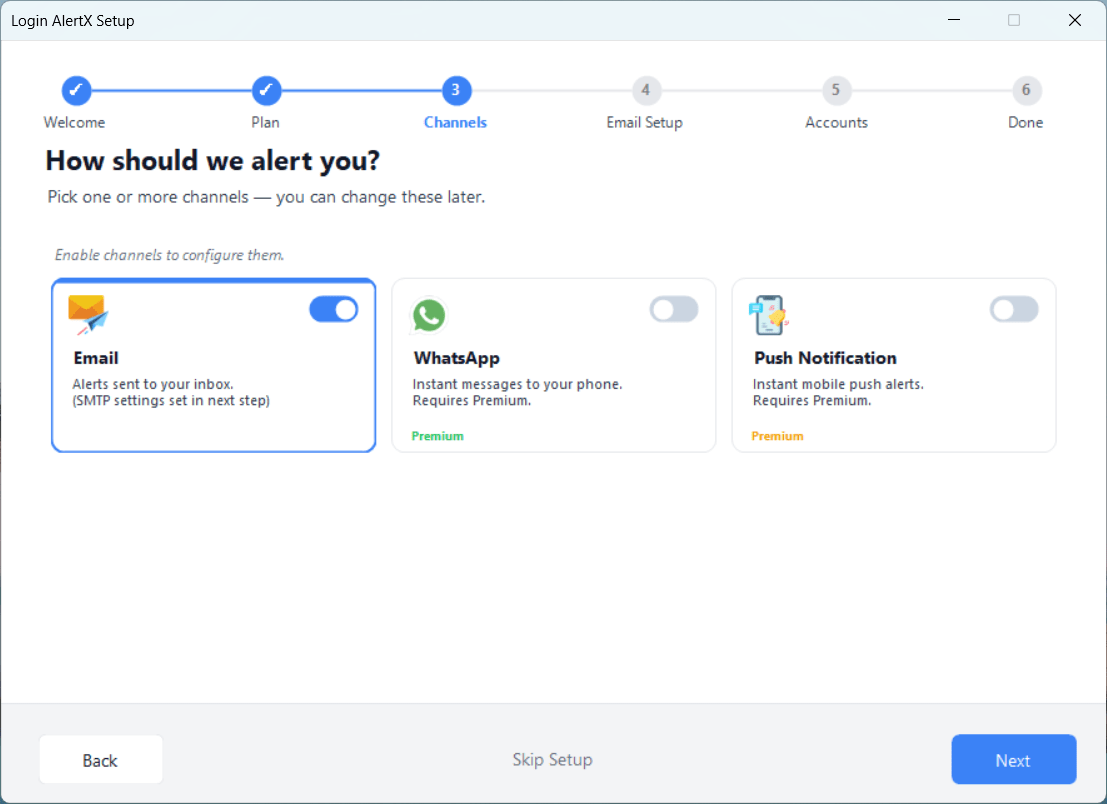
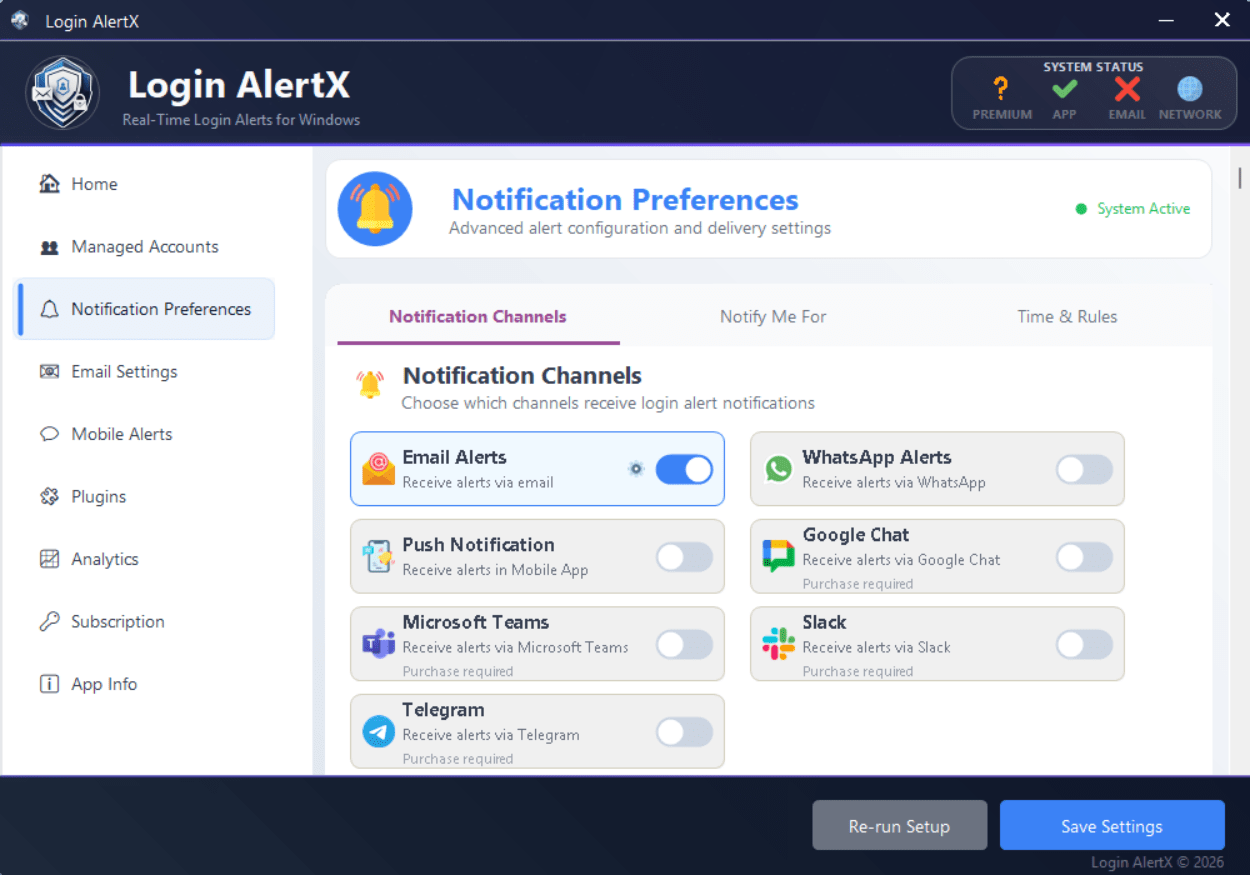
You can route real-time notifications straight to your phone via standard email, WhatsApp, or dedicated push notifications through the Android companion app. If you manage a team, the software connects directly to Slack, Microsoft Teams, Telegram, and Google Chat using native integrations rather than relying on third-party bridges.
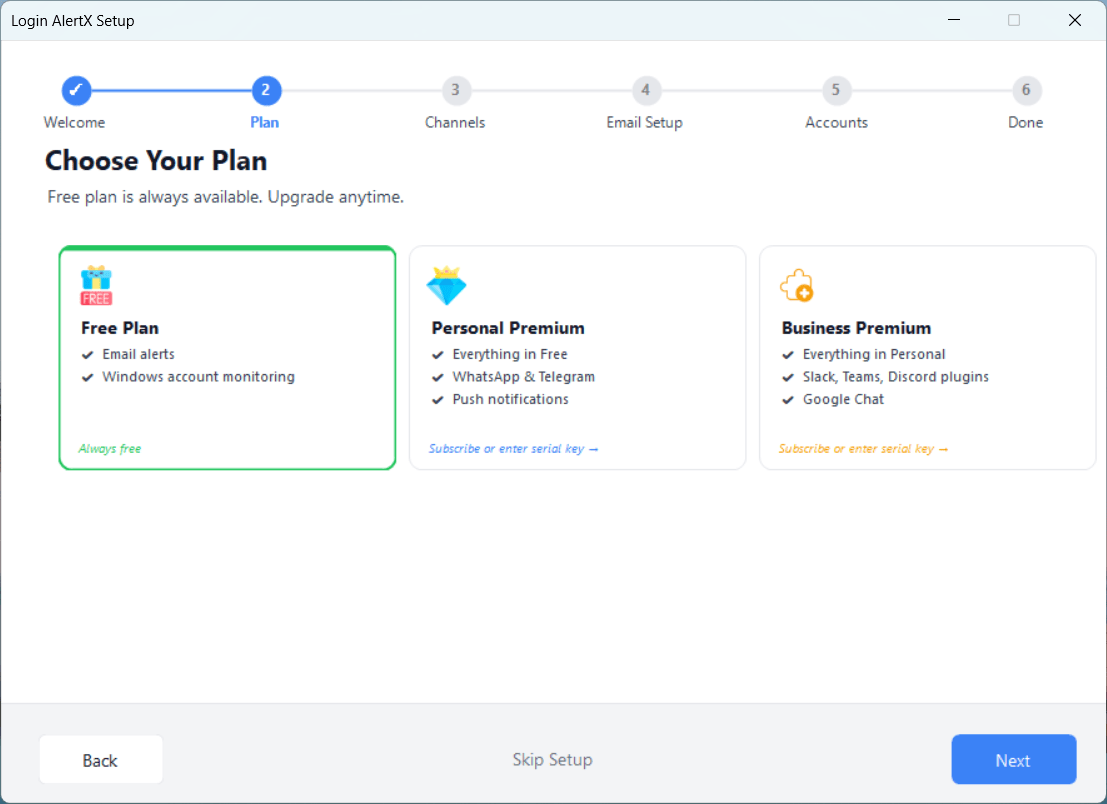
These advanced notification channels require a premium license. The free tier limits alert delivery exclusively to email.
All captured evidence, including photos and audio recordings, stays entirely localized on your hard drive. The application leverages AES-256 encryption to secure your stored logs and configurations, ensuring that only the specific alerts you configure ever leave your system.Pricing and availability
Login AlertX operates on a freemium licensing model. The developer offers a 30-day trial that grants access to premium features like AI anomaly detection and media captures. WhatsApp and push notifications are excluded from this trial and require an active premium subscription immediately. After the trial ends, you can drop down to the basic free tier or purchase a premium license to keep the advanced channels and webcam capture enabled. The final cost depends on the tier chosen or active promotions, so check the official website for current rates.A rock-solid safety net for your unattended PC
This security monitor successfully bridges the gap between basic Windows event logs and heavy enterprise auditing platforms. Its wide array of integration options, localized storage, and AI-driven risk scoring make it a highly practical utility. Whether you manage a fleet of workstations or just want to secure your personal laptop when stepping away, Login AlertX provides an excellent layer of defense.